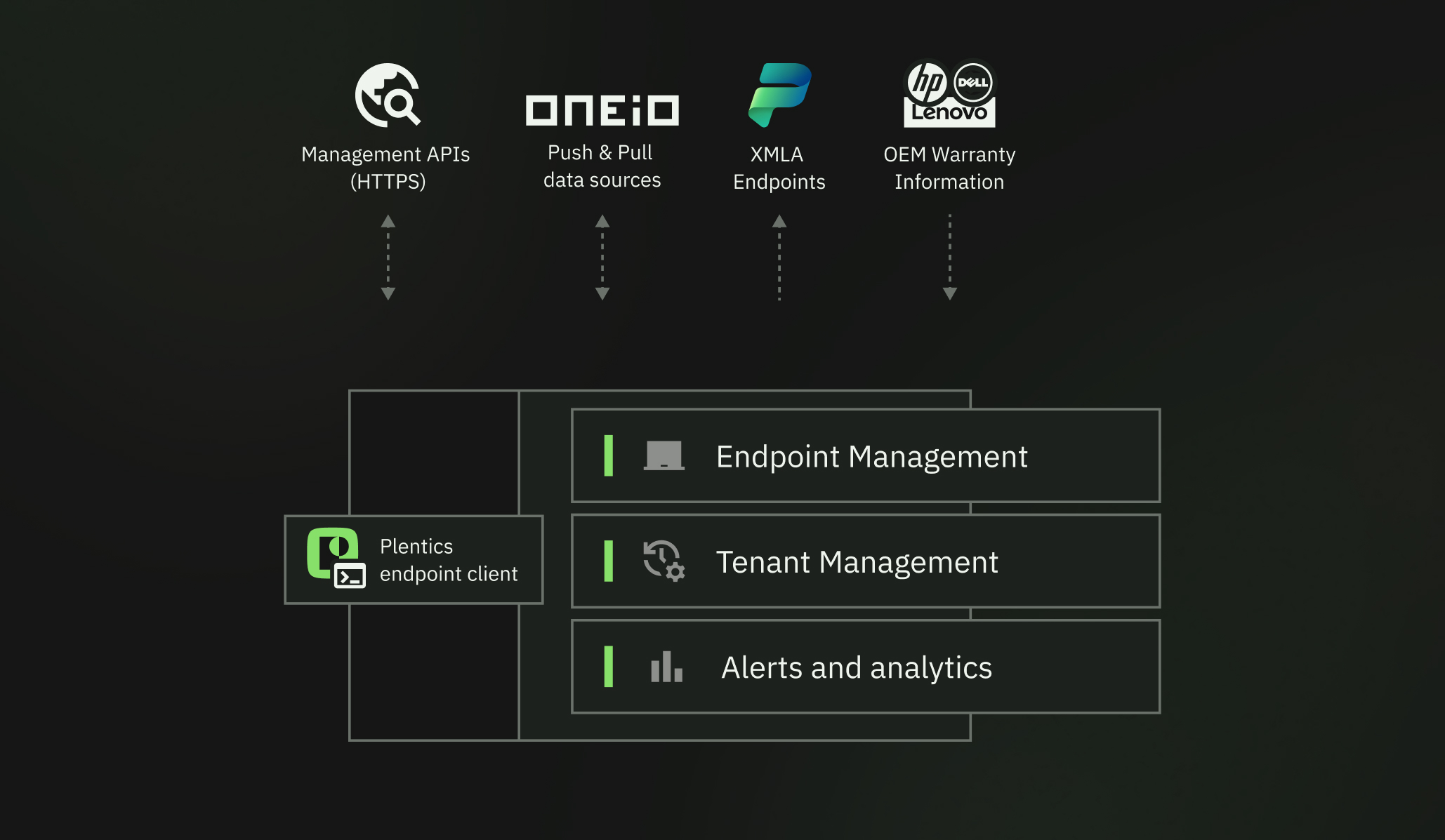

Three modules, one operational layer
One platform to manage endpoints, tenants, and analytics across hundreds of customer environments — without the performance drop-off.
Endpoint Management
Standardize app deployment, patching, and device policy across every tenant.
Tenant Management
Compare, onboard, and patch configurations across hundreds of environments.
Alerts and Analytics
Catch drift and risk before it becomes a customer incident.
Go deeper into each feature:
Endpoint Management
Endpoint Management
Standardize how every device is configured, patched, and secured — across hundreds of customer tenants — without adding headcount or console-hopping between environments.
Application and Patch Management
Cross-environment app deployment with unified settings, automatic third-party updates, and reusable templates.
Speeds up and standardizes software distribution, reduces manual work, and improves security. Simplifies application management for customer needs.
Features:
- Application templates
- 3rd party app library
- Fully automated 3rd party app patching
- Custom applications (as an additional service)
Configuration Packages
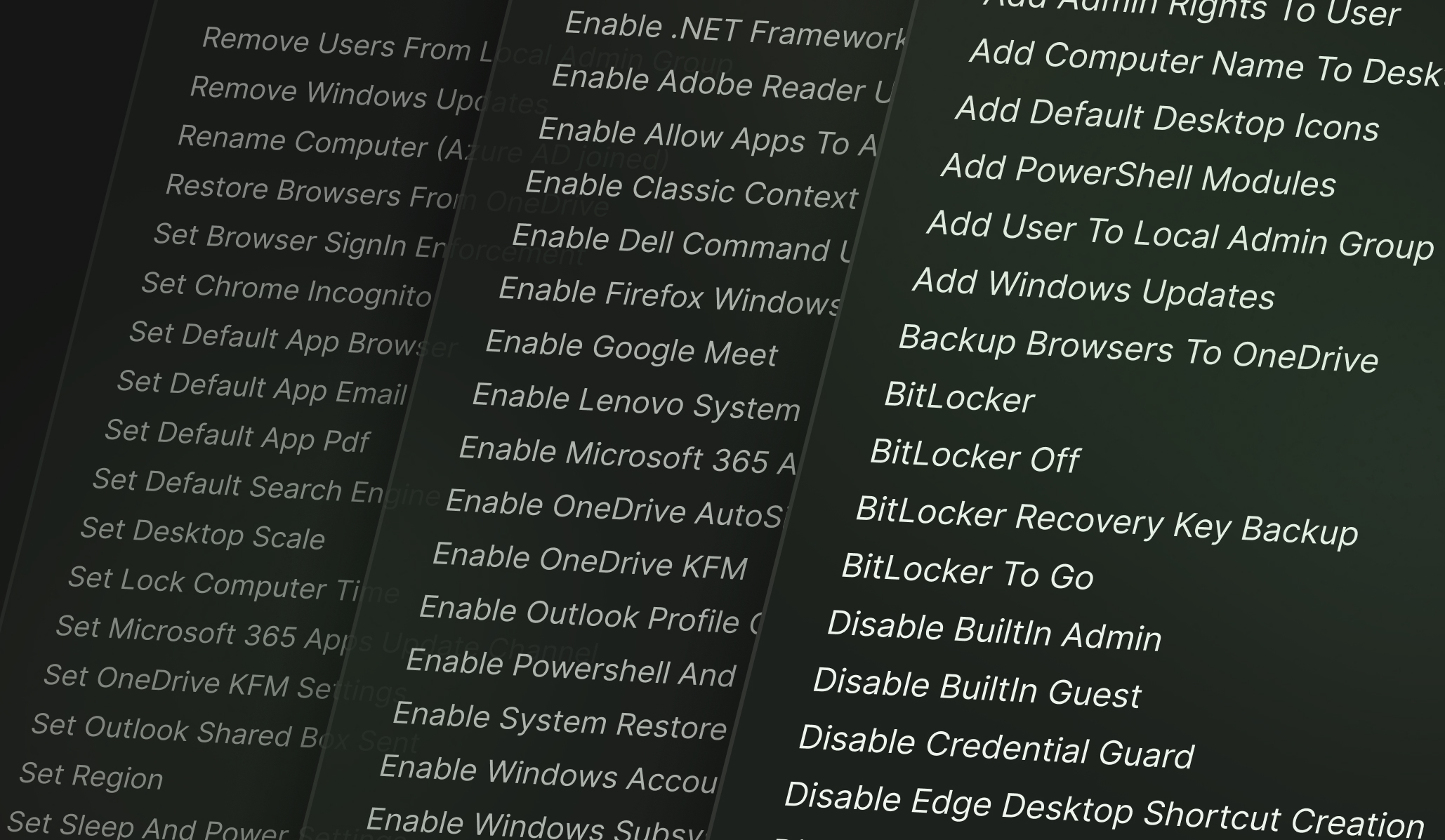
Customizable configuration templates for system management, security, productivity, and application integration in Windows environments — beyond what native Intune can achieve.
Standardizes device environments with ease, allows efficient maintenance, and saves time by applying extensive and automated configurations for various use cases.
Features:
- Configuration package library
- Custom configuration packages (as an additional service)
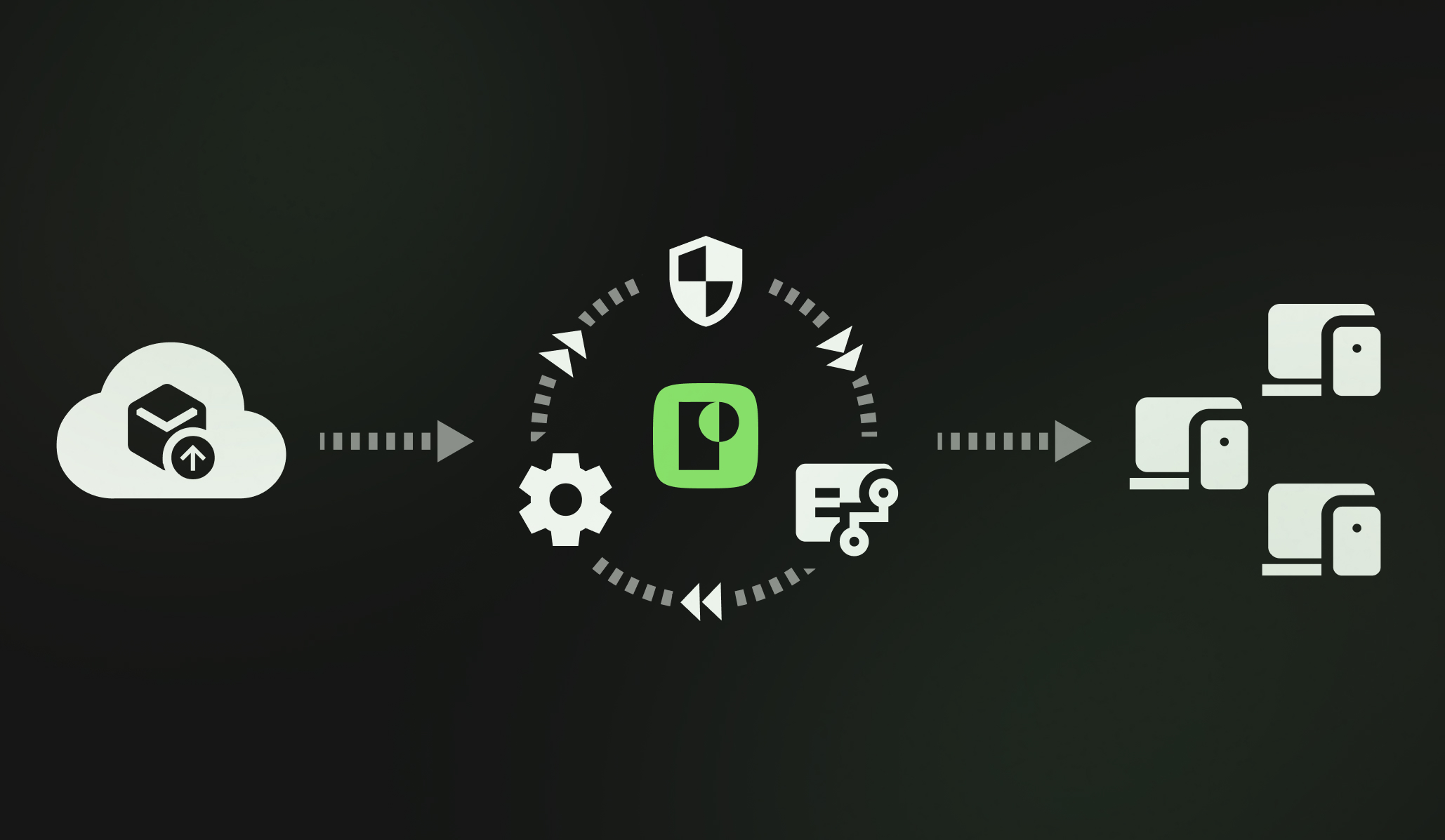
Fully automated application lifecycle from deployment to patching.
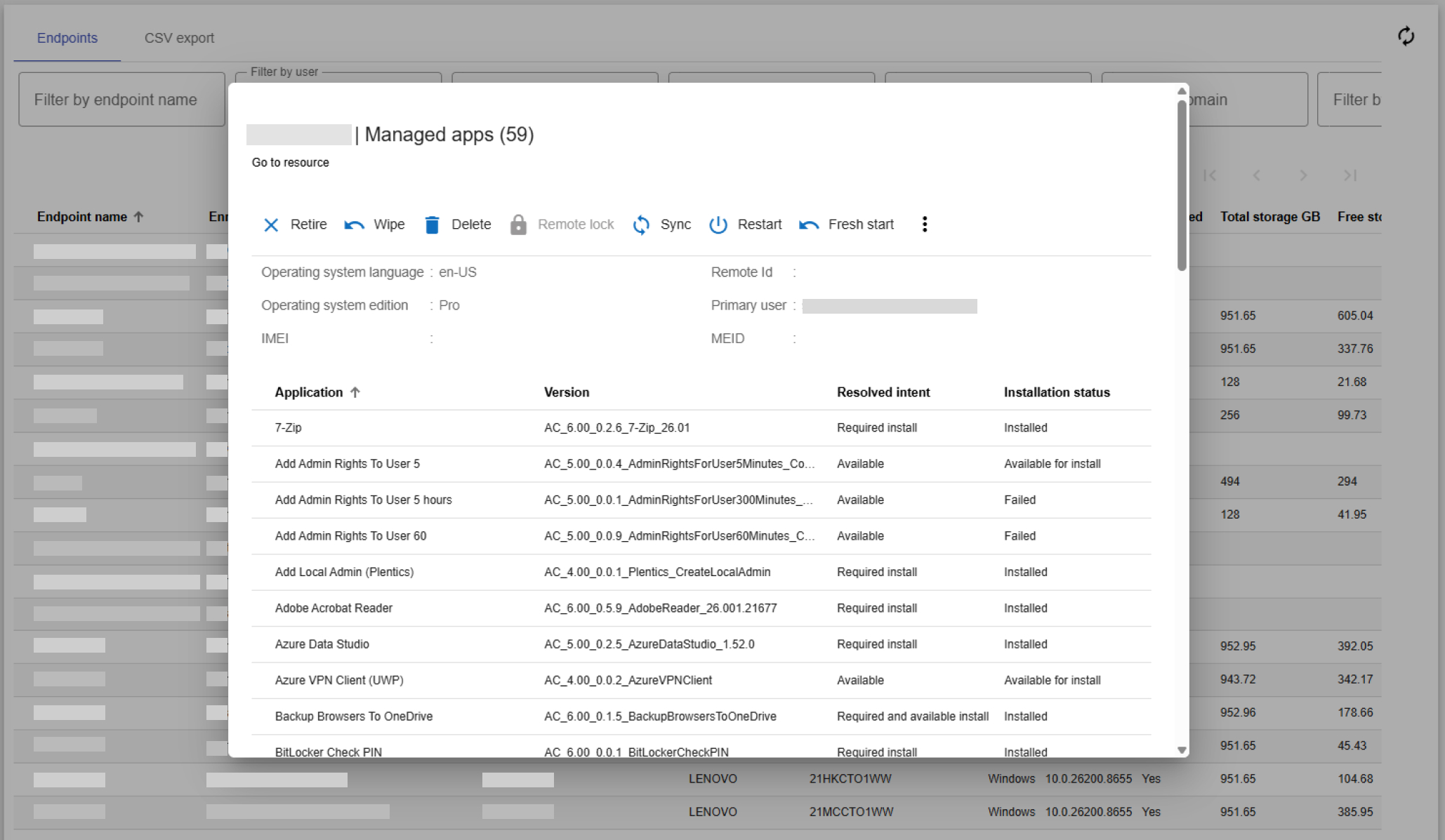
Endpoint-Level Visibility and Remote Management
Provides detailed visibility into every managed endpoint and allows device-specific actions centrally, such as restarts, remote wipes, and policy enforcement.
Improves device management efficiency with bulk actions from a single interface, removing the need for individual handling or multiple console logins.
Entra ID Group Management Across Tenants
Centralized management of Entra ID groups and their members across all environments, including group membership editing without logging into each tenant separately.
Streamlines group management, maintains unified access rights, and reduces administrative burden by making changes centrally for all clients.
Tenant Management
Tenant Management
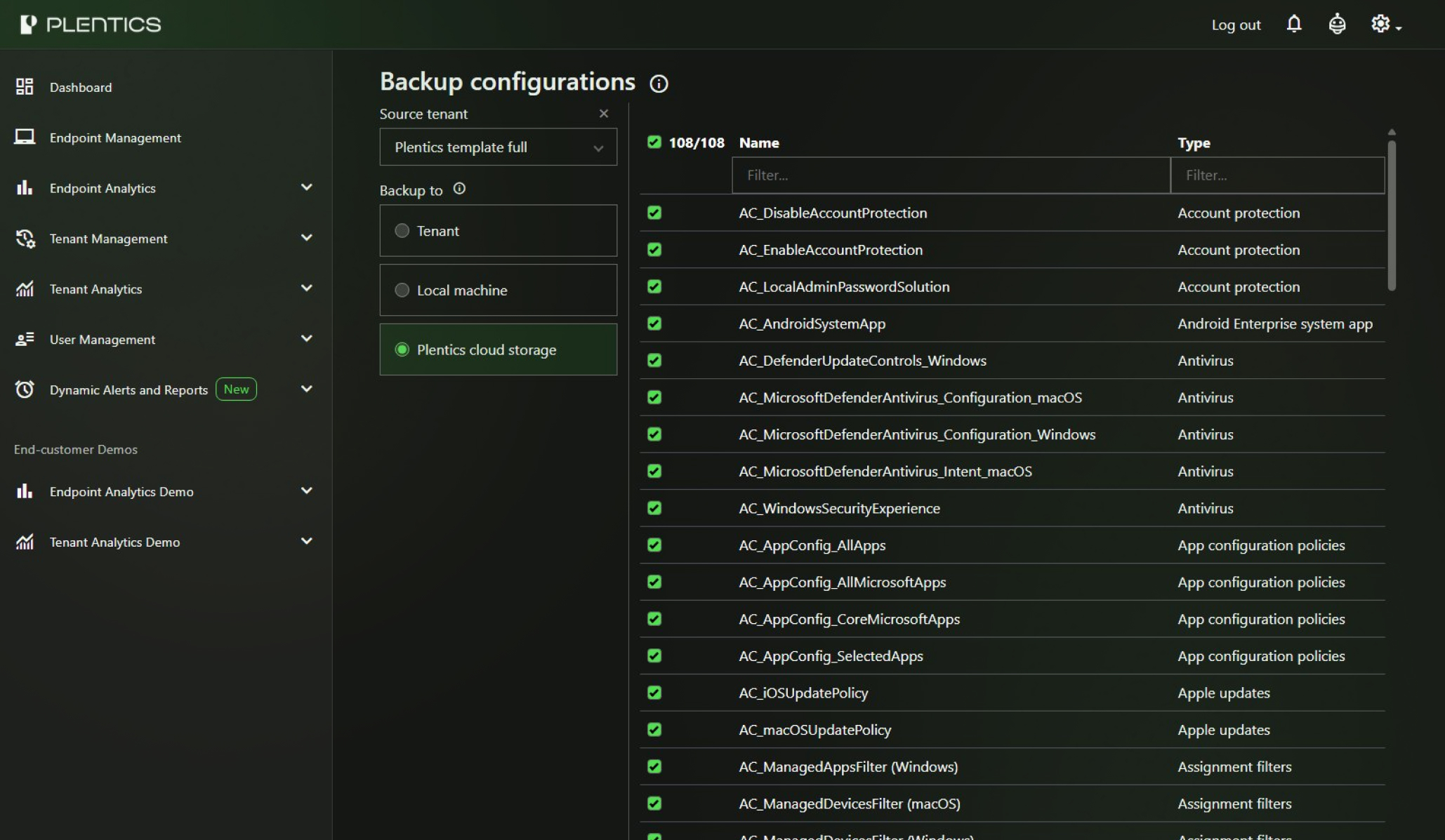
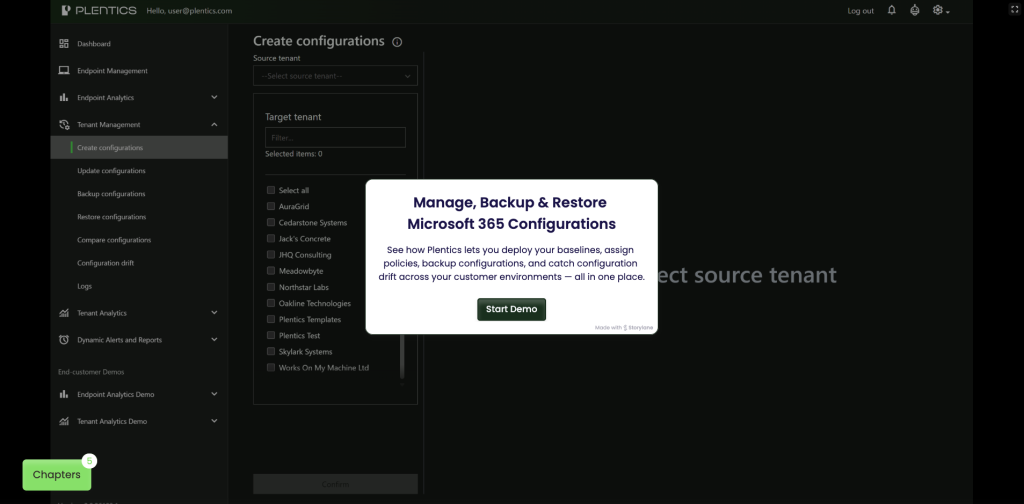
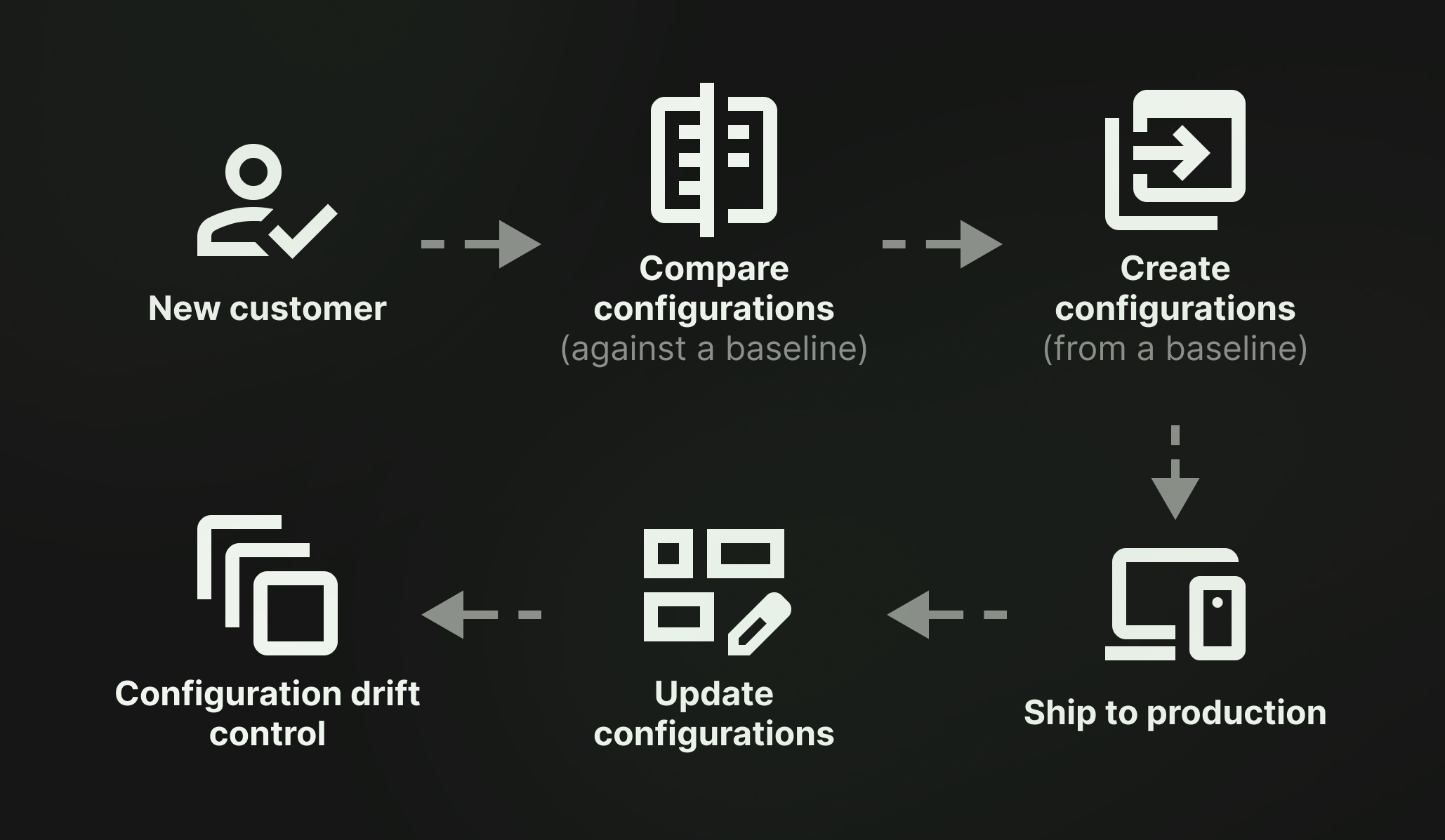
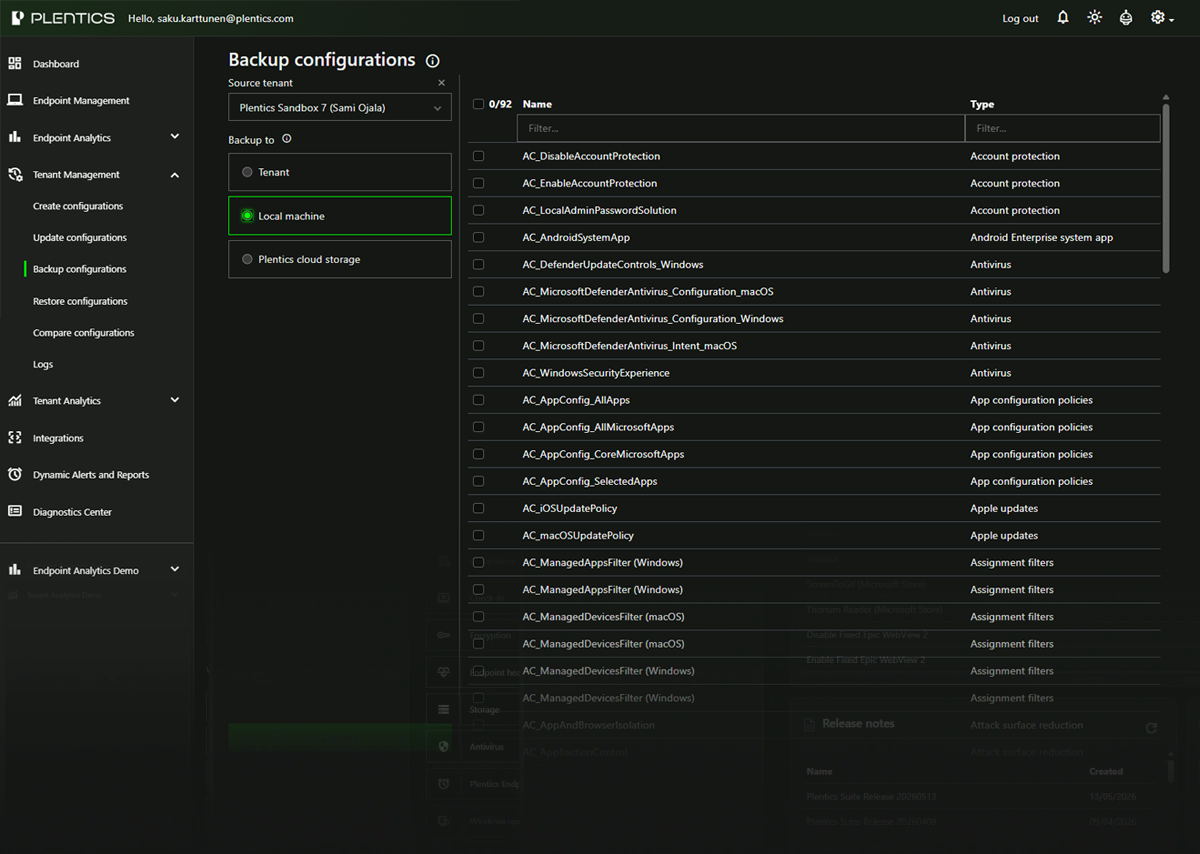
Keep hundreds of tenants aligned to one standard — compare, onboard, and patch configurations from a single view instead of logging into each environment.
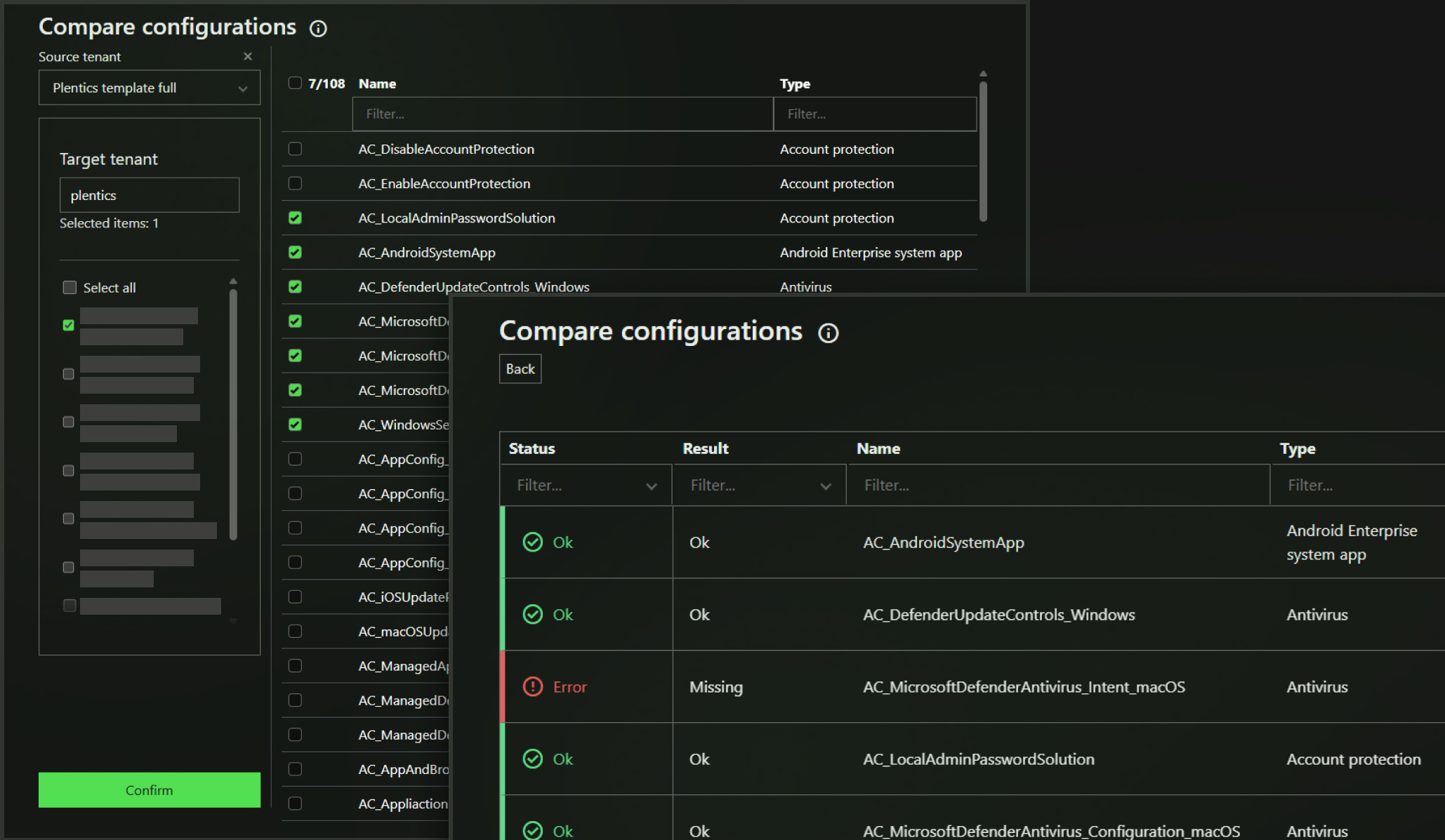
Tenant Comparison
Enables comparison of settings between different tenants.
Makes it easier to identify deviations and maintain consistency across multiple tenants at once.
Features:
- Compare configurations
Customer Onboarding
Compares new customer environments against your configuration baseline and enables creation and management of reusable configuration templates, ensuring tenant settings are aligned with organizational requirements.
Reduces setup time and errors, guarantees consistency across multiple environments.
Features:
- Create configurations
- Compare configurations
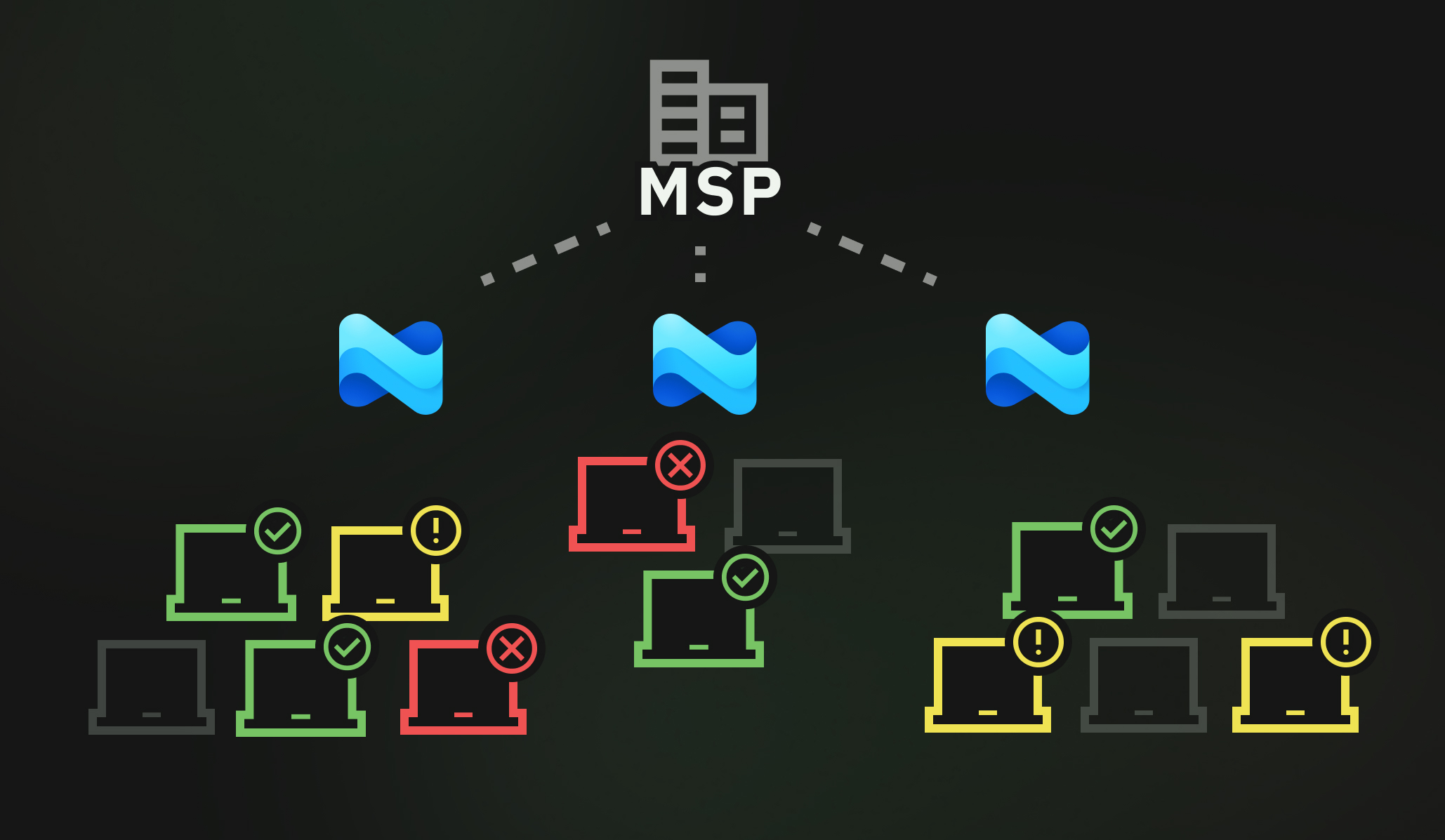
Standardize every tenant. Manage at scale.
Configuration Patching
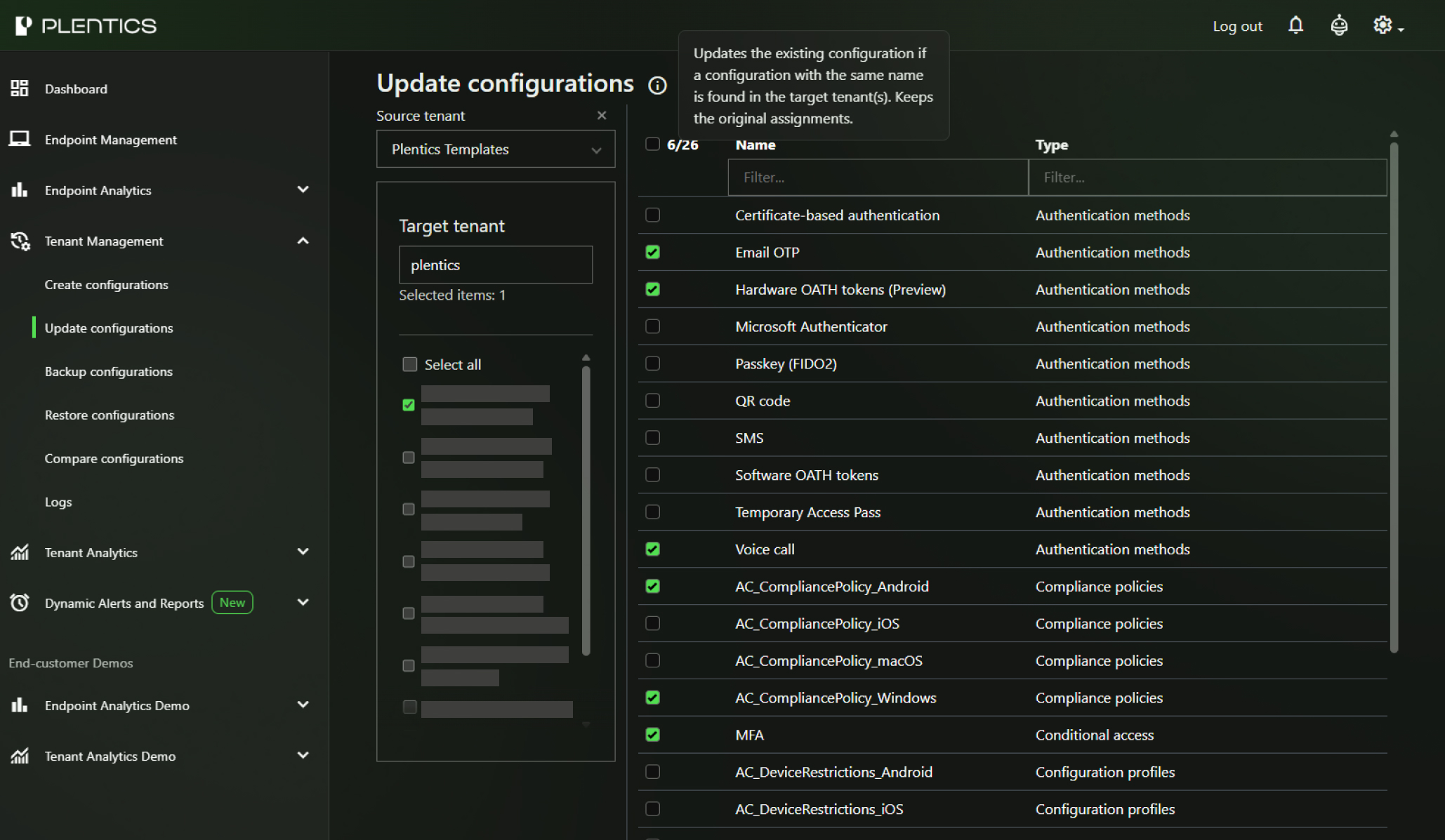
Allows efficient updating of one or more tenants and tenant settings using standardized templates and facilitates migration of configurations between tenants.
Speeds up updates, simplifies compliance maintenance, and supports change management, such as company mergers.
Features:
- Update configurations
Alerts and Analytics
See configuration drift, compliance gaps, and operational risk before your customers do — with alerts and reporting that run across every managed tenant.
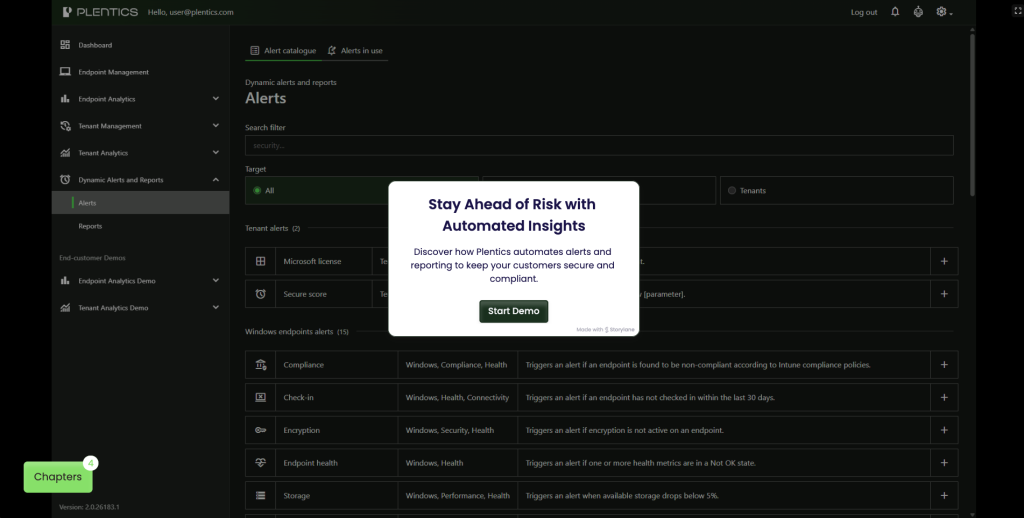
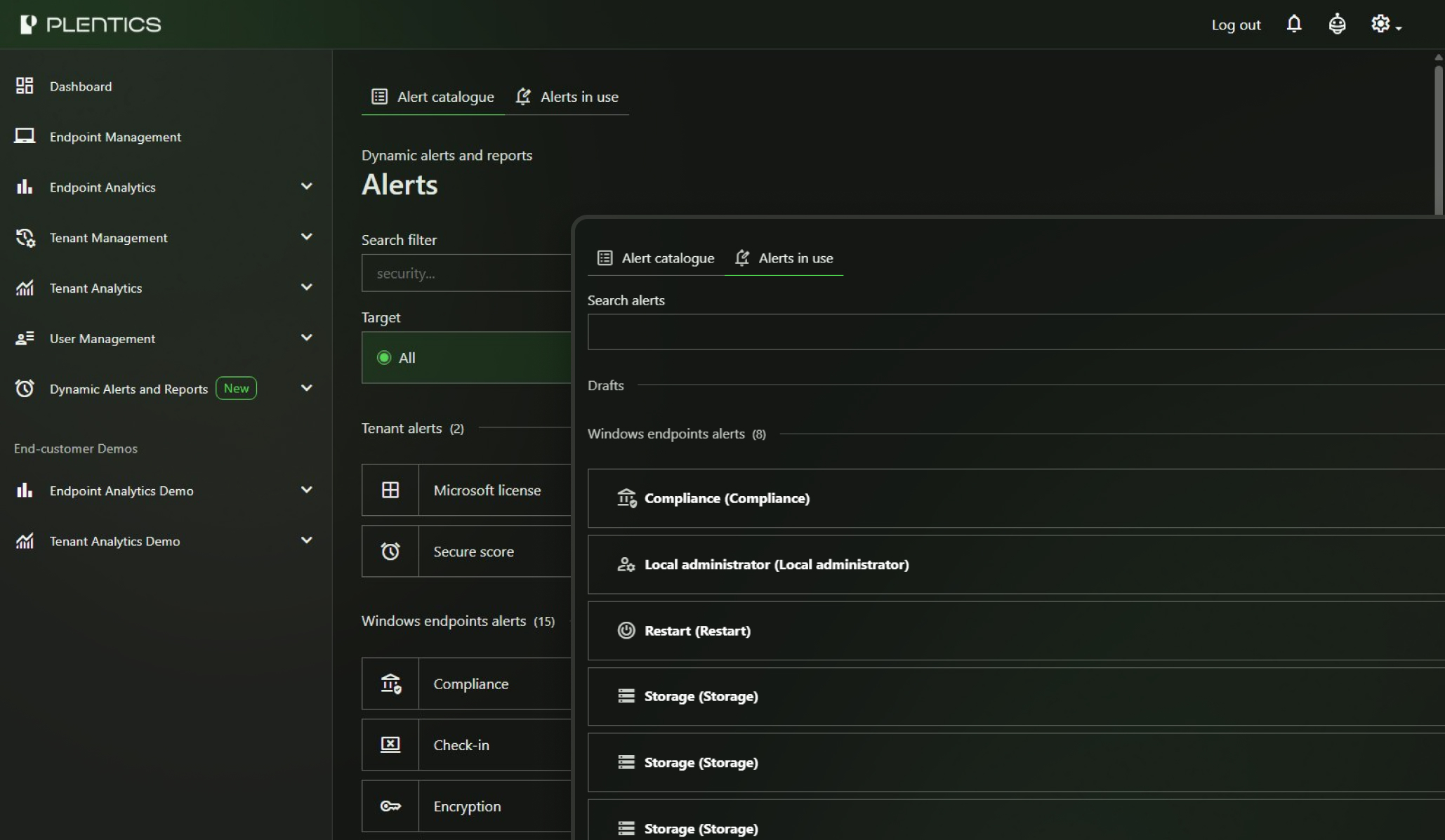
Dynamic Alerts
Improve your end customer experience by utilizing alerts triggered based on built-in alerts or any Plentics Analytics details. Be proactive sending alerts to your ITSM or even directly to end user.
Features:
- Dynamic Alerts
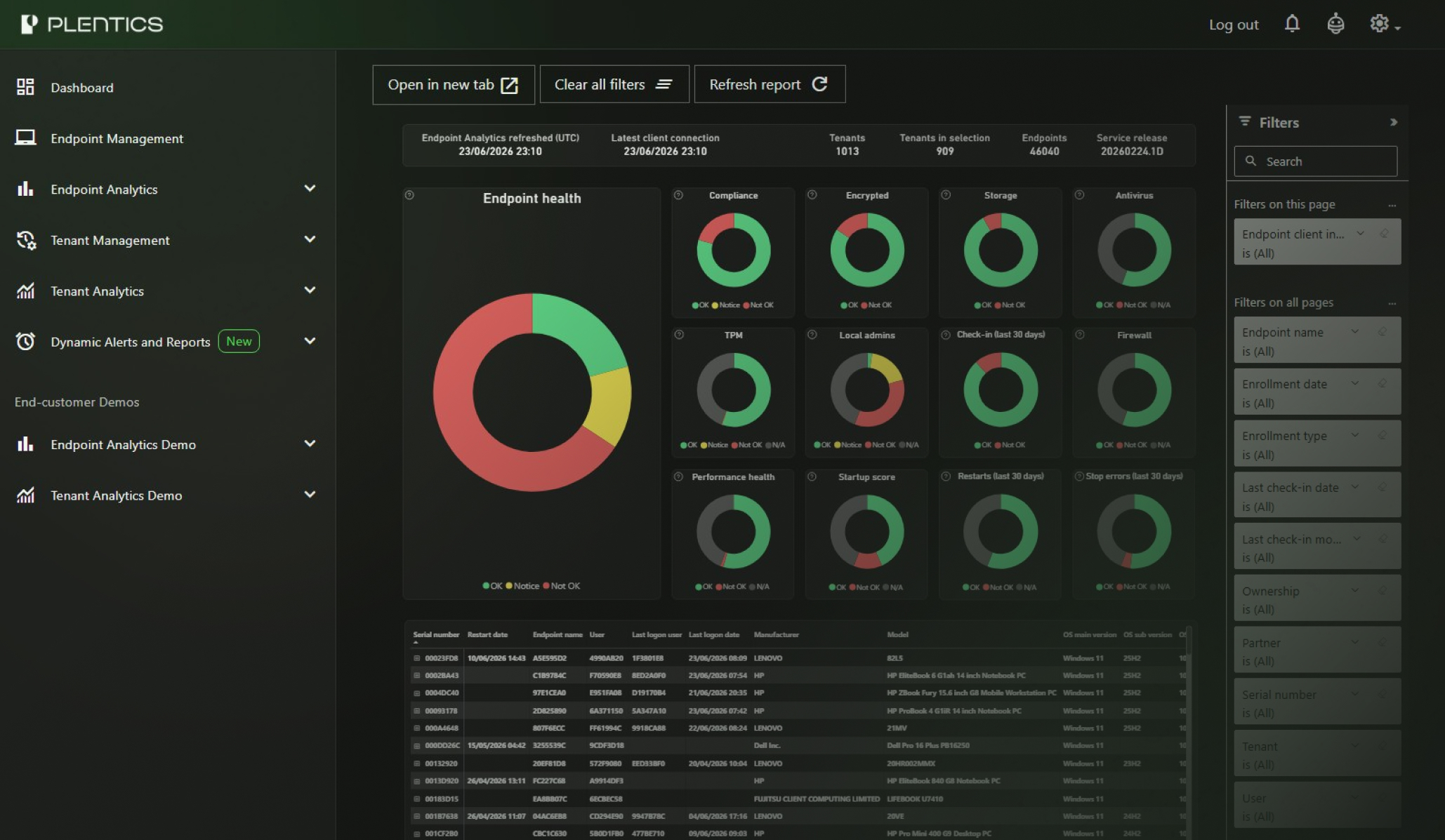
Analytics
Compares new customer environments against your configuration baseline and enables creation and management of reusable configuration templates, ensuring tenant settings are aligned with organizational requirements.
Reduces setup time and errors, guarantees consistency across multiple environments.
Features:
- Analytics
See issues before they become incidents.
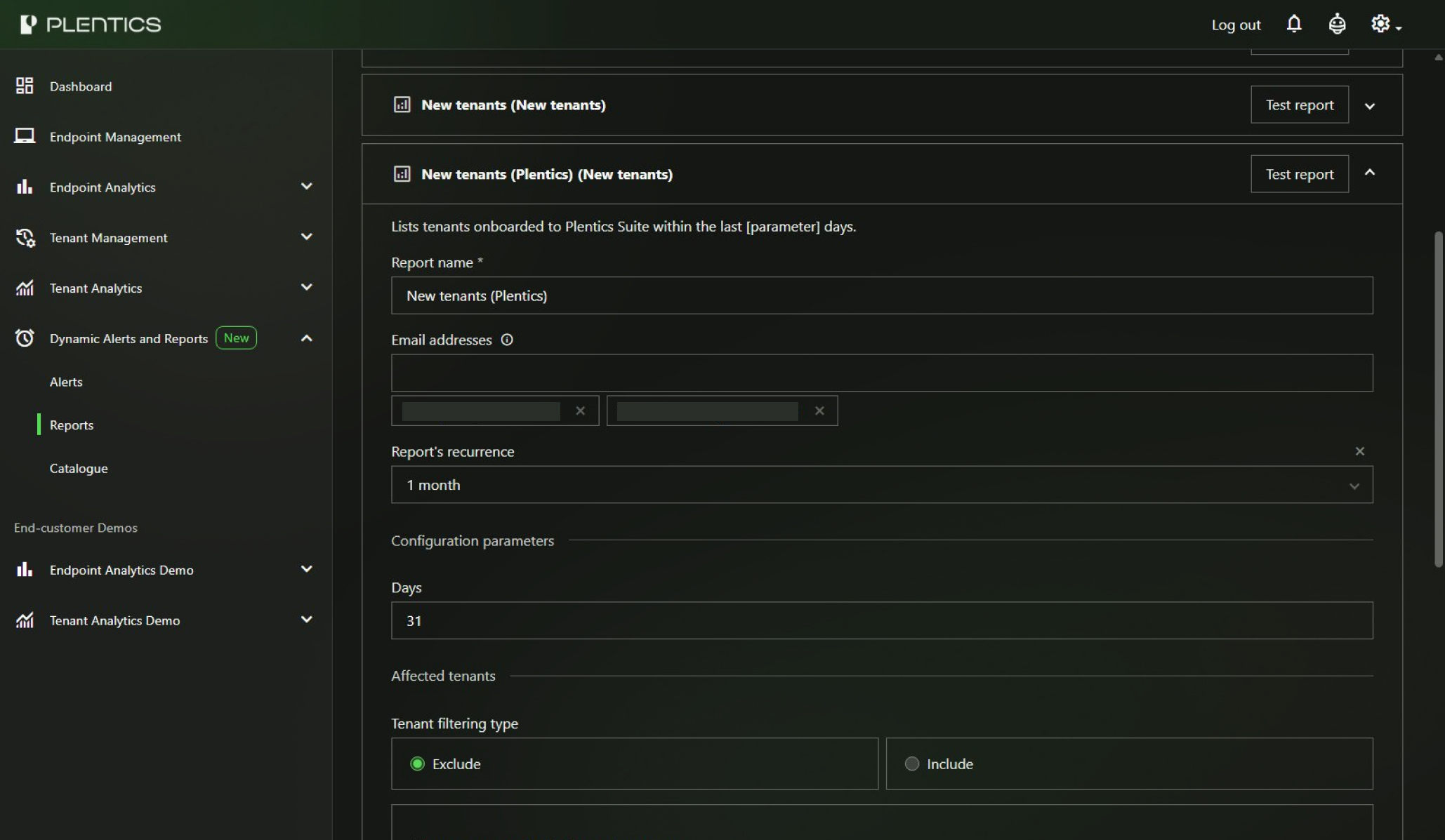
Reports
Reports can be automatically generated and sent directly to recipients’ inboxes, reducing manual effort and ensuring stakeholders remain informed. Intelligent alarms can be set based on specific analytics thresholds and metrics, allowing for proactive management and response to security or operational events.
Additionally, scheduled reports can be configured for any area of interest, ensuring that administrators and stakeholders receive the information they need on a regular basis.
Features:
- Reports
ITSM Integrations and XMLA export
Top up your ITSM data with Plentics data to get everything out from your ITSM and replenish asset information.
Dynamic alerts integrated into Teams or ITSM platforms mean issues are picked up and resolved faster.
Utilize all the date from Plentics Suite to combine it with your own data and build comprehensive reporting solution for your team and customers.
Features:
- Dynamic Alerts
- XMLA export
Who is it for?
- Endpoint Management
- Tenant Management
- Service Desk
- Security team
- Service Management
- Account Management
- End-customer representatives