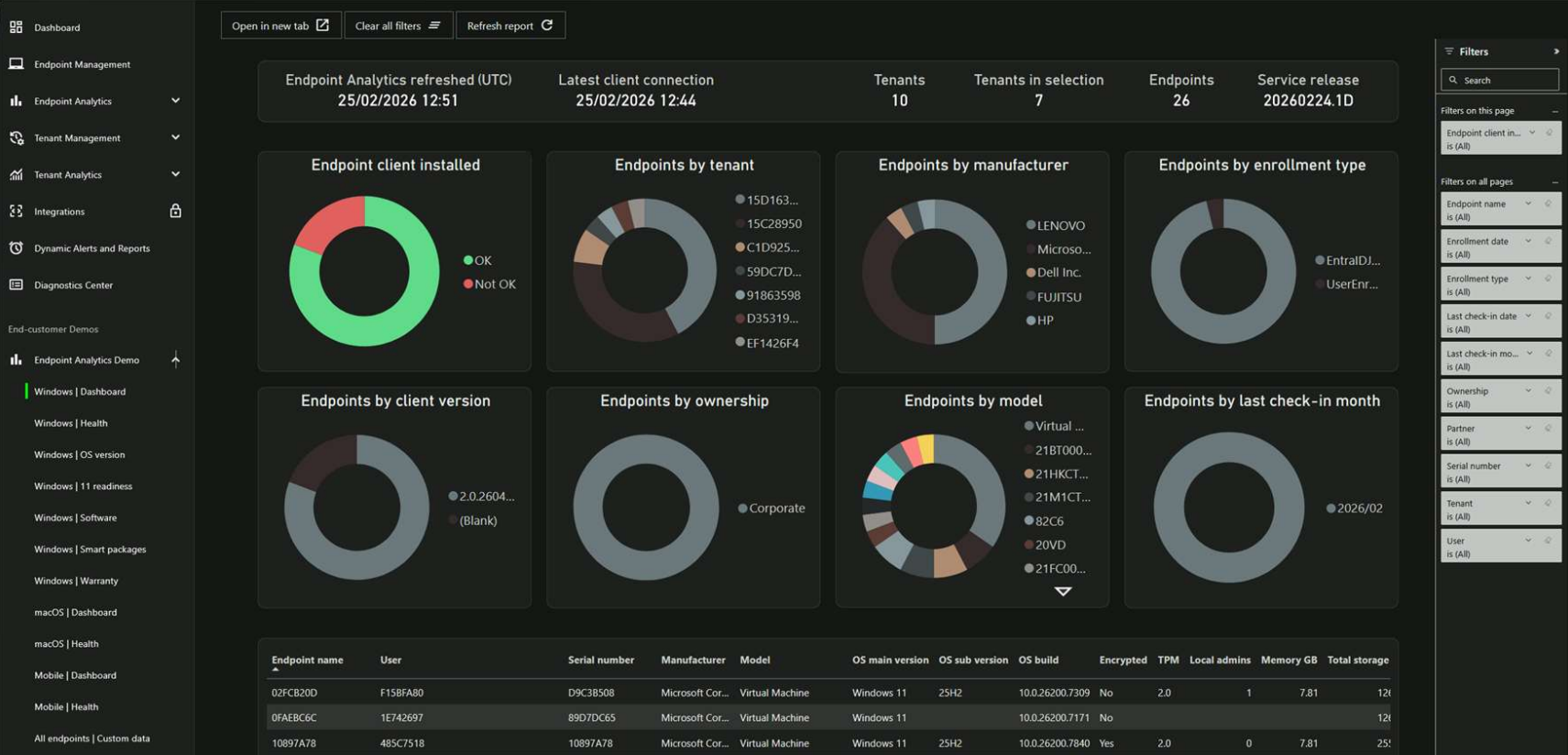
Updated Endpoint Analytics UI to align with the overall Plentics Suite visual design for a more consistent user experience.
Added Clear all filters button to reports to quickly reset all applied filters.
Added Refresh report button to manually refresh report data.
Moved Open in new tab button from the bottom of the report view to the top navigation area alongside the new action buttons.
Endpoint Analytics Demo
Updated Endpoint Analytics Demo UI to align with the overall Plentics Suite visual design for a more consistent user experience.
Tenant Analytics
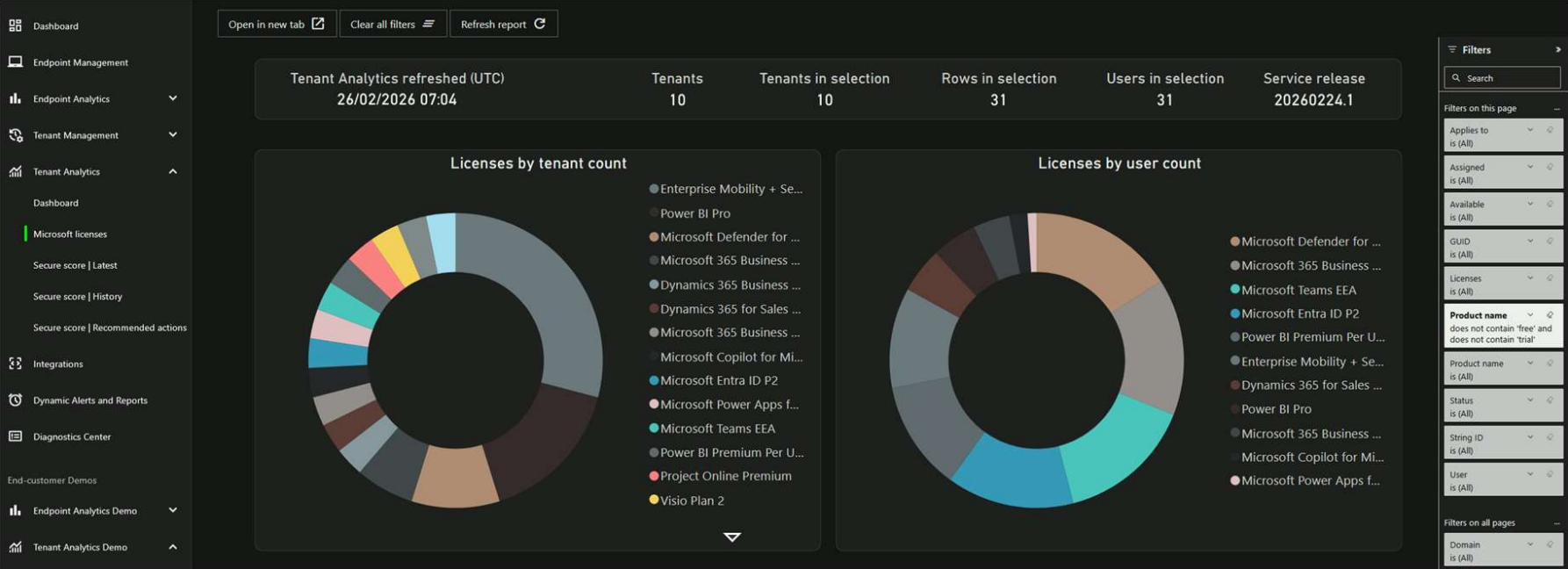
Updated Tenant Analytics UI to align with the overall Plentics Suite visual design for a more consistent user experience.
Tenant Analytics Demo
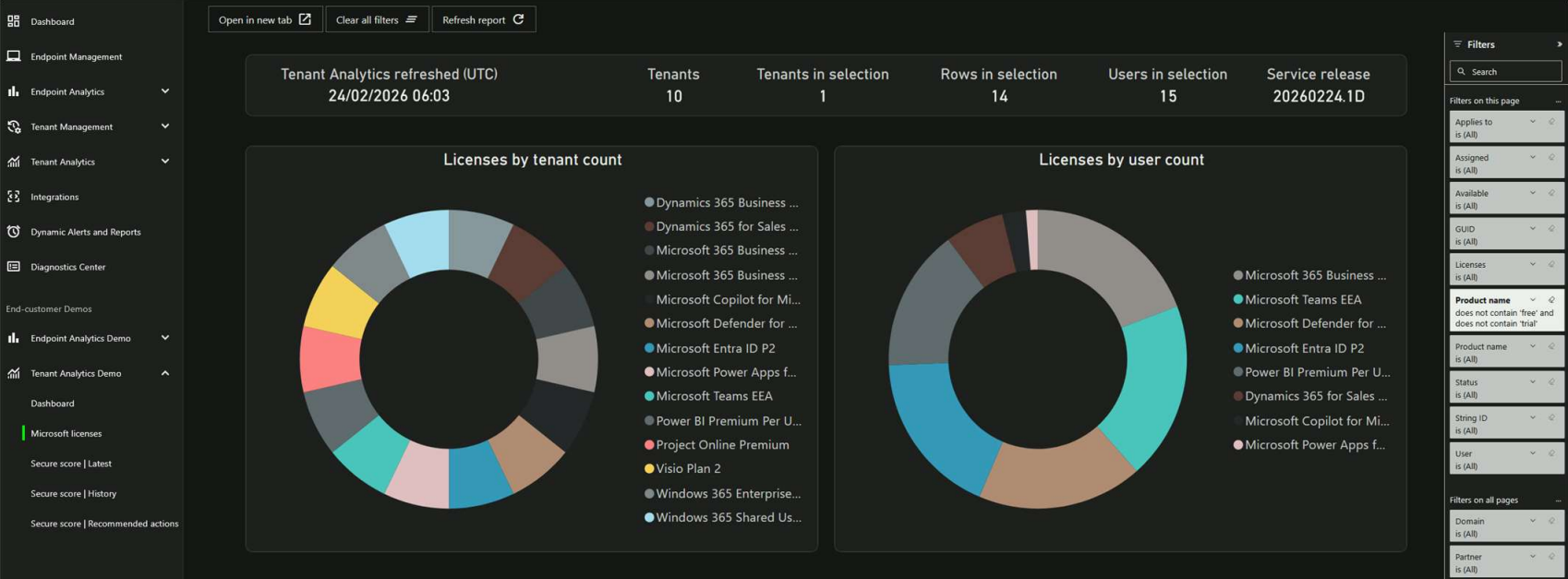
Introduced a new Tenant Analytics Demo environment for showcasing tenant-level analytics capabilities, aligned with the overall Plentics Suite visual design for a consistent user experience.
Plentics Suite
Plentics AI Assistant / Chatbot
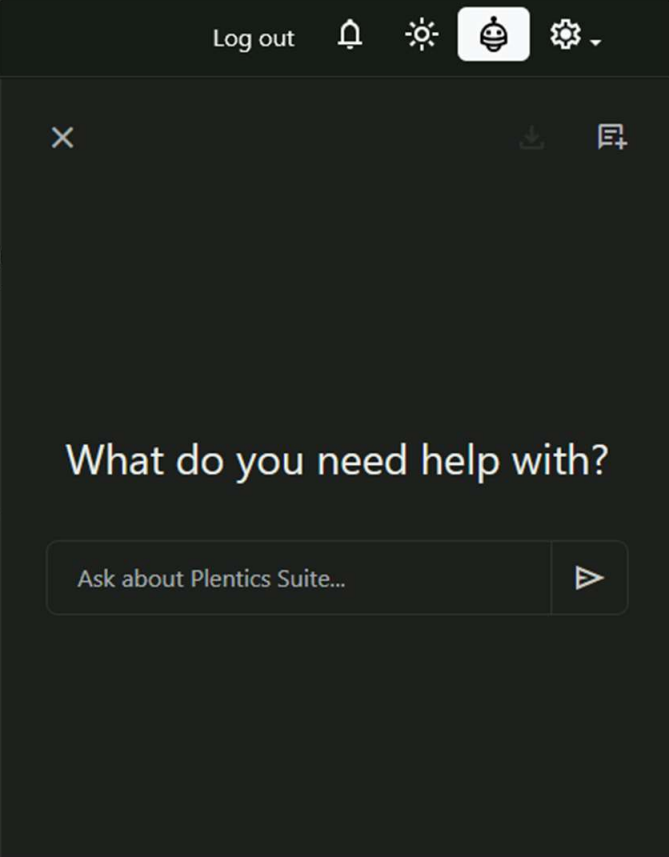
Added an in-app AI Assistant chat accessible from the top-right corner.
AI Assistant is scope-restricted: it only answers questions that are related to Plentics Suite.
The AI Assistant can answer questions e.g. about the latest distributed application package versions as well as provide general information about the Plentics Suite product.
Platform Improvements
General improvements to service automation, scalability, and error handling.
Notes
If the release does not function as expected, please refresh your browser.