

Tenant Management
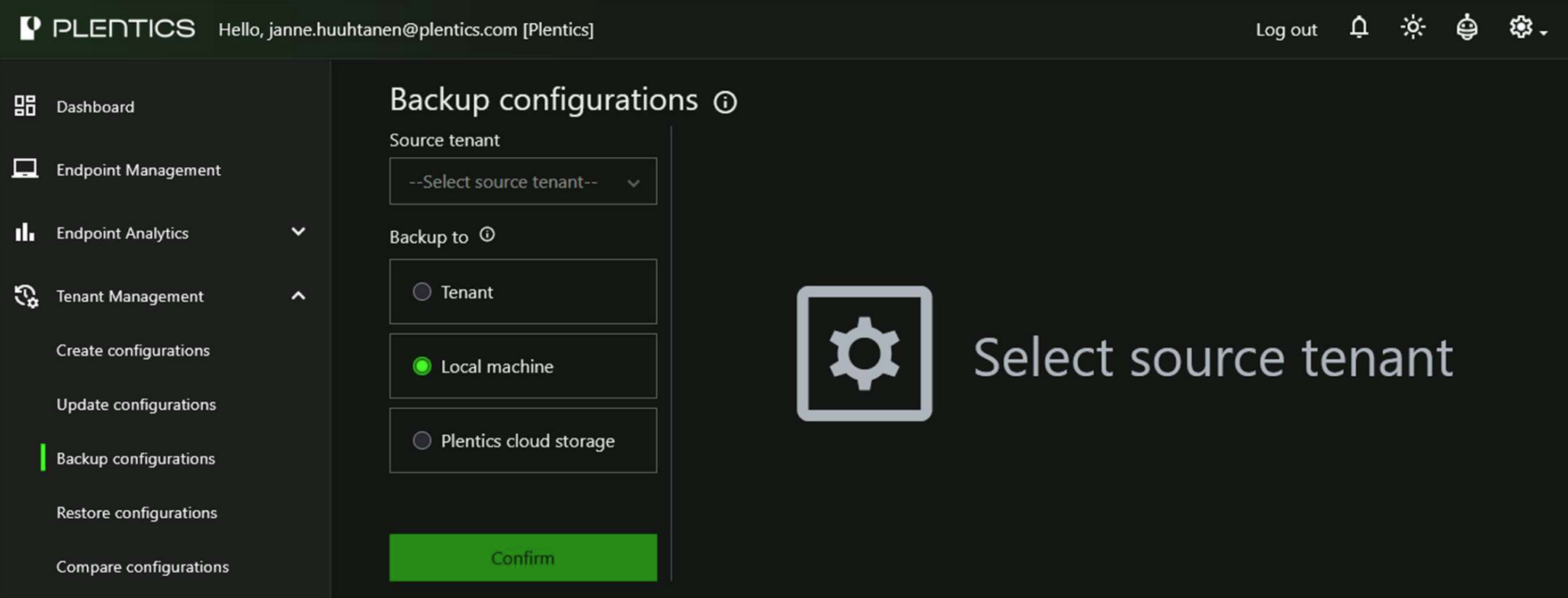
Backup configurations
Backup now supports Tenant, Local machine, and Plentics cloud storage targets.
- Tenant:
- Works as before.
- Creates new configurations without group assignments.
- Configuration name ends with [BACKUP ***].
- Local machine:
- Downloads configurations as JSON (single) or ZIP (multiple).
- Plentics cloud storage:
- Stores configurations as JSON files in Plentics Suite Azure storage.
Restore configurations
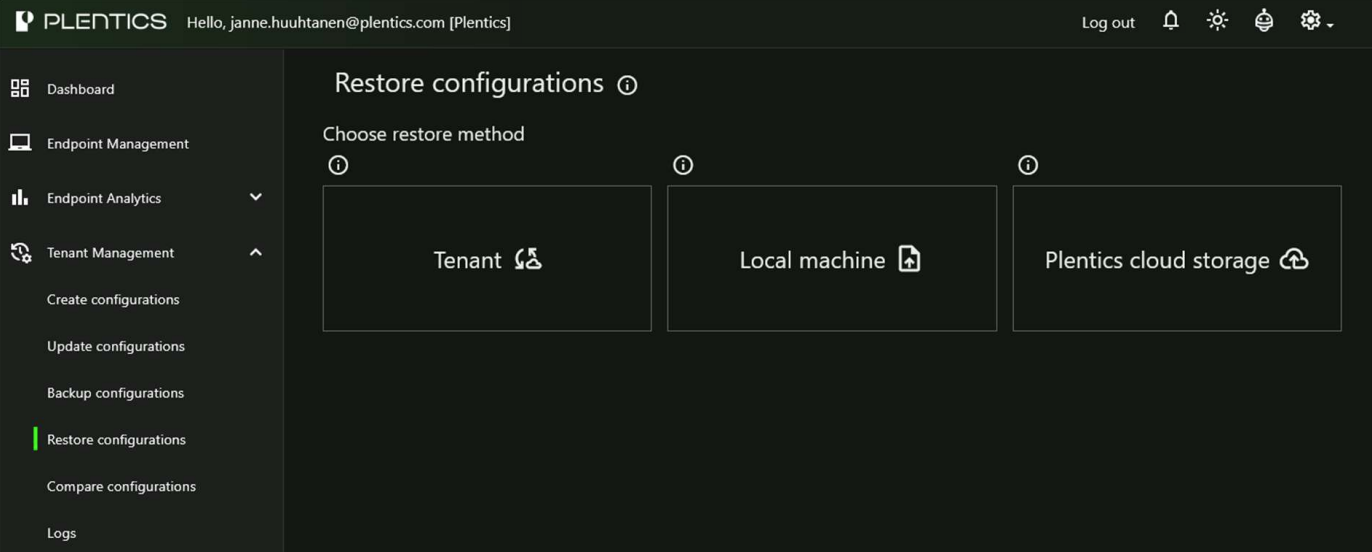
Restore now supports Tenant, Local machine, and Plentics cloud storage
sources.
- Tenant:
- Restore logic updated.
- Creates a new configuration if not found.
- Updates existing configuration when supported.
- Restore logic updated.
- Local machine:
- Supports JSON and ZIP files.
- Creates a new configuration if not found.
- Updates existing configuration when supported.
- Plentics cloud storage
- Shows all cloud backups from selected source tenant.
- Creates a new configuration if not found.
- Updates existing configuration when supported.
- New Created column added.
- Select all options removed.
Backup Logs
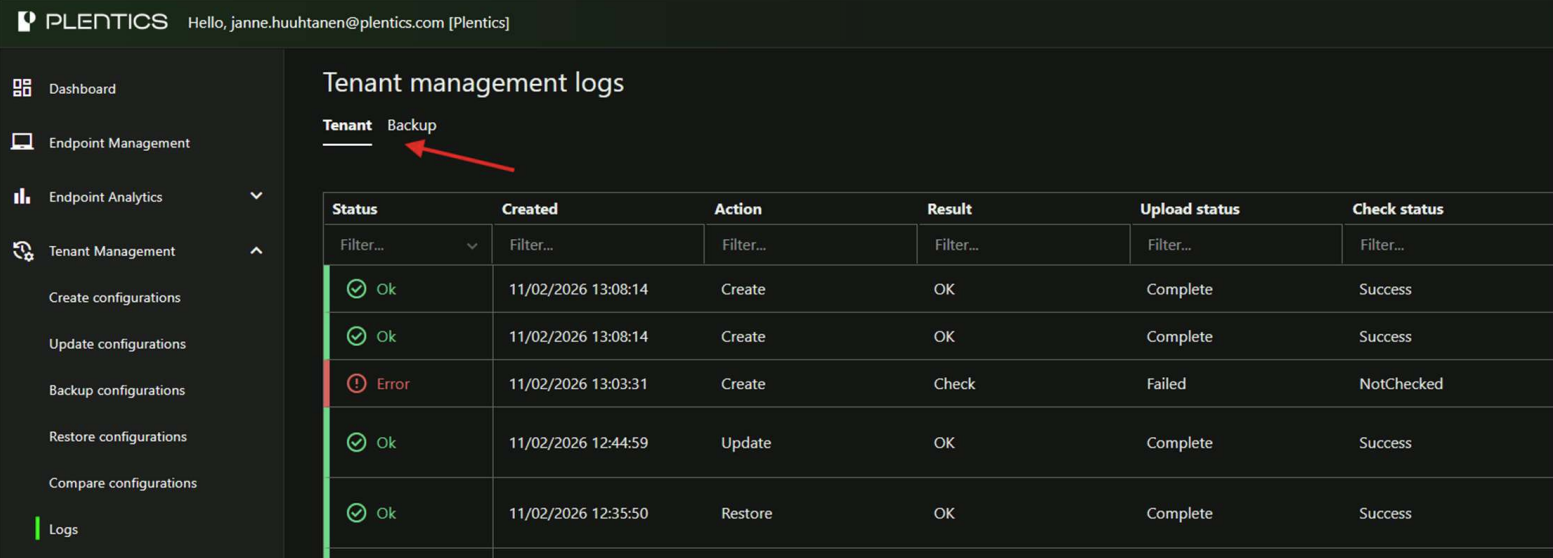
Tenant Management logs have been separated into two tabs:
- Tenant – shows tenant-related changes and configuration modifications.
- Backup – shows backup-related actions and entries.
Create configurations
- Added support for migrating Authentication Strengths configurations in Tenant
Management. - Updated Conditional Access migration to correctly map custom Authentication
Strengths references (e.g., “Require authentication strength” grant control) when
migrating policies.
Dynamic Alerts and Reports
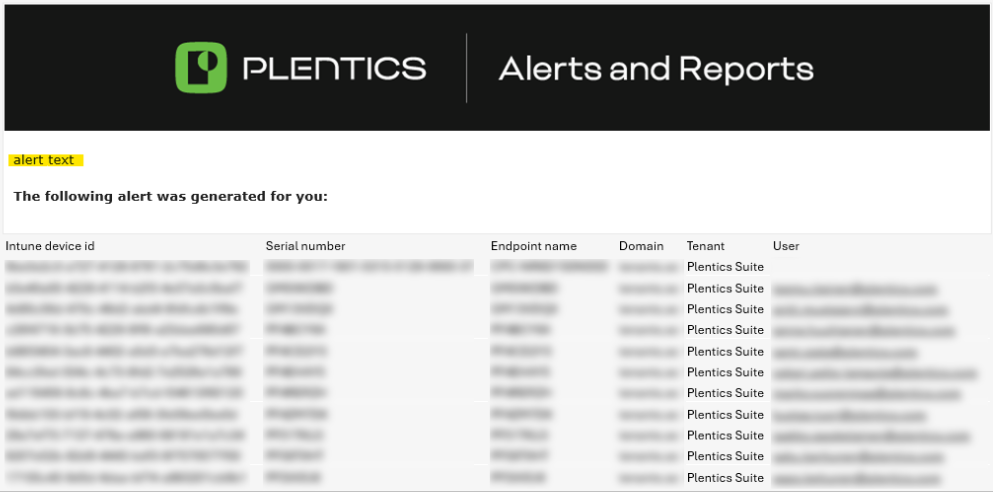
- Added support for configurable alert text in Dynamic Alerts. The custom alert text is now included in email notifications.
- Use case: Allows adding action instructions for the alert recipient (e.g., guidance on how to respond to the alert).
Platform Improvements
General improvements to service automation, scalability, and error handling.
Notes
If the release does not function as expected, please refresh your browser.